
Virtual workshop: Get hands-on with Kaseya MCP servers & skills
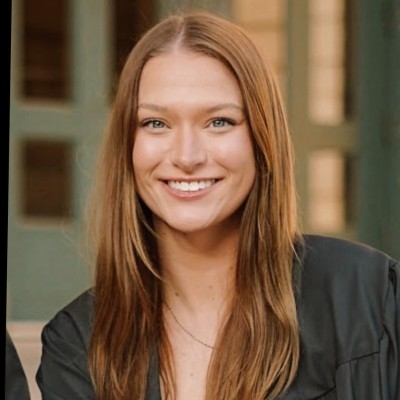
Sarah Tappan
Product Manager, Kaseya

Stephen Groves
Sr. Solution Specialist, Kaseya
In this guided virtual workshop, you’ll learn how to connect Claude Desktop to Autotask, Datto RMM, and IT Glue using Kaseya MCP servers. You’ll also explore pre-built skills designed to streamline common MSP workflows and put AI-powered integrations into practice.
Register now to prepare for this hands-on experience!
What you’ll need to participate:
- A Kaseya product: Be a customer of at least one of the following: Autotask, Datto RMM, or IT Glue.
- Claude Desktop: Join from a computer with Claude Desktop installed and a stable internet connection.
- API keys: Generate API keys for the Kaseya product(s) you plan to connect.
Advance registration is strongly encouraged.
Registered attendees will receive setup instructions, resources, and the virtual meeting link ahead of the workshop so you can follow along in your own Kaseya environment.


No items found.
Save your spot!
